Chartink Scanner Kaise Banaye: Golden Cross Screener Step by Step (Hindi Guide)
Chartink lets you scan every NSE stock with your own conditions in a minute, free and without login. This guide builds a golden-cross style scanner (close above the 20 EMA and the 20 EMA above the 9 EMA logic from the video), narrows it to NIFTY 50 and verifies a result on the chart.
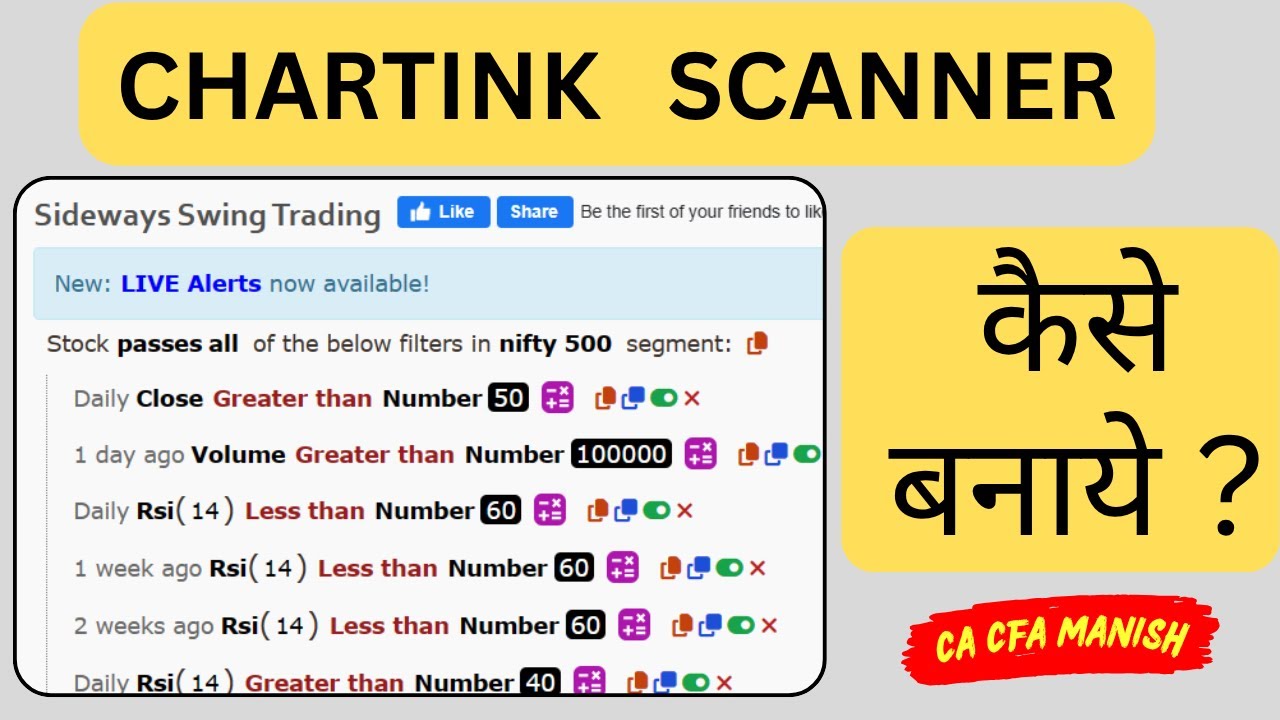
What is a Chartink scanner?
Chartink is a free stock screener for Indian markets. You describe a condition, for example "daily close is above the 20-day EMA", and Chartink lists every stock that meets it right now. It works for technical conditions (EMA, RSI, candles, volume) and for fundamentals (PE, price to book), so you can combine both for swing trading.
Golden cross and death cross in one line
A golden cross happens when a short-term moving average crosses above a long-term moving average: momentum is turning up. A death cross is the opposite. Catching the exact day of the cross is hard, but a scanner you run daily shows you the stocks where the averages have just lined up.
Step by step: build the scanner
- Open Chartink (search "Chartink stock screener"). You do not need to log in to try it.
- Click the + icon to add a condition.
- Pick Close and set the timeframe to Daily (you can also choose 1 hour, weekly or monthly).
- Choose Greater than, then EMA, and set the period to 20 on the daily close. Condition 1: daily close > 20 EMA.
- Add a second condition: EMA(20) greater than EMA(9), both on the daily close, so the averages are stacked the way you want.
- Click Run Scan. Chartink lists every matching stock.
Narrow the list to stocks you know
A full-market scan returns many small names. Switch the segment to Cash and choose NIFTY 50 (or NIFTY 500) and run the scan again. In the video the list came down to a handful of large caps such as HCL Technologies, which are easier to trade.
Check the result on the chart
Open the stock's daily chart, add two EMAs (20 and 9) in different colours and look at where they crossed. The scanner only says the condition is true today; the chart shows how fresh the move is and where a sensible stop loss would be.
Add fundamentals for swing trades
Chartink also has fundamental fields such as PE ratio and price to book value. Adding a valuation filter on top of the technical one gives you a shortlist of trending stocks that are not wildly expensive.
Before trading any scanner, backtest the idea. On TradingFriday you can test intraday rules for NIFTY, Bank Nifty and Sensex free on 1-minute data.
Frequently asked questions
Is Chartink free?
Yes, the basic scanner is free and you can run scans without logging in. Premium adds features such as more alerts and faster refresh.
Which timeframe should I scan?
Daily for swing trades; 5-minute or 15-minute for intraday. Use the same timeframe on the chart when you verify the result.
Tags: Chartink · Stock Screener · Technical Analysis · EMA · Swing Trading
Tags
Chartink, Stock Screener, Technical Analysis, EMA, Swing Trading, chartink scanner kaise banaye, chartink tutorial in hindi, how to use chartink screener, chartink scanner for intraday, chartink golden cross scanner, ema crossover scanner chartink, chartink screener for swing trading, stock screener india free, nifty 50 stock scanner, chartink kya hai